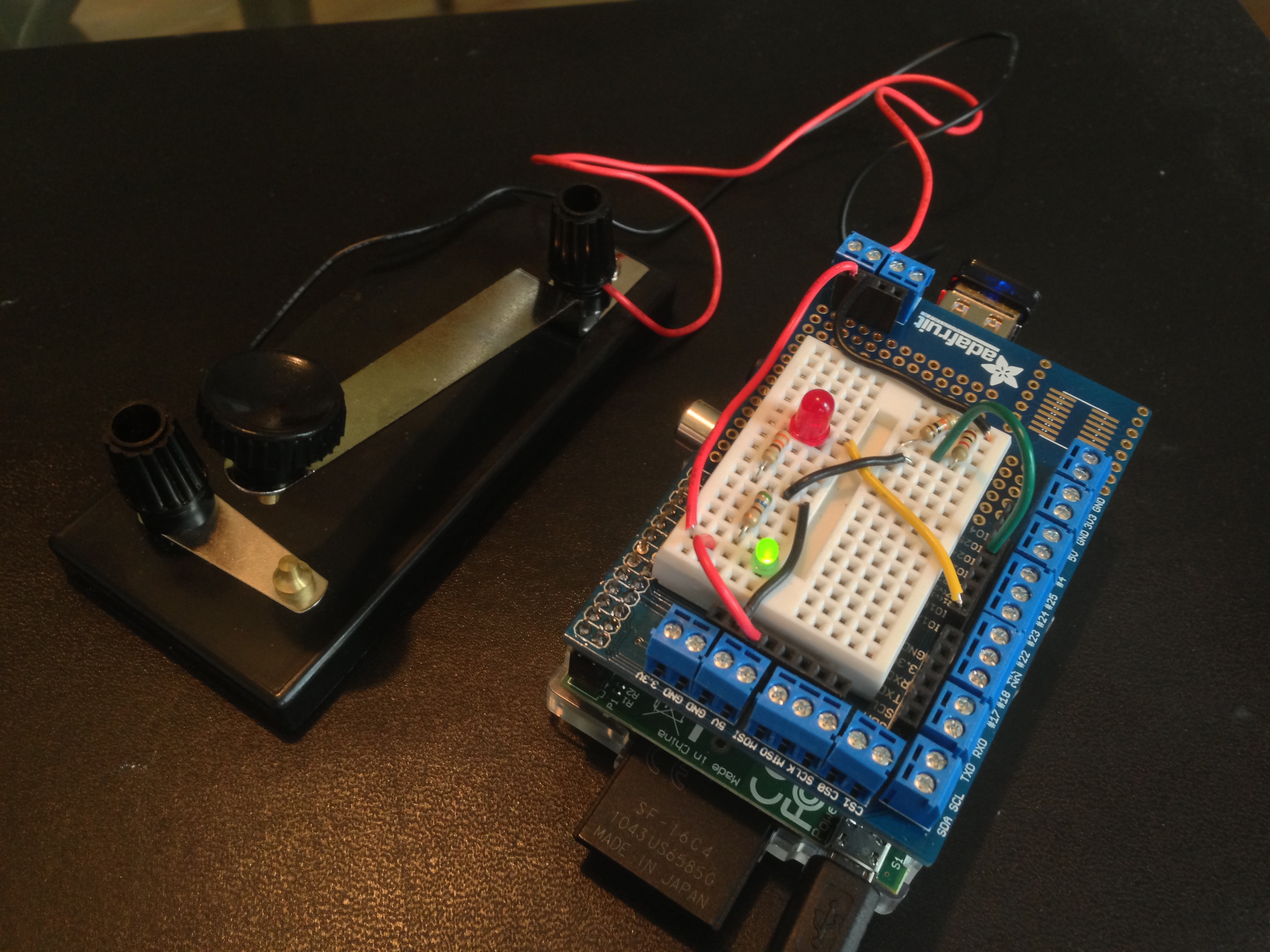
mio.py is “my” io library for Raspberry Pi. At present it is a kind of “hello world” program that demonstrates how work with one digital input, e.g., a switch, and one digital output, e.g., an LED. Below are (a) a photo of the Raspberry rigged up with a circuit managed by miO, (b) a description of the package, (c) some output on the command line, (d) a circuit diagram.
The (Python) code is at github.
(a) MIO RUNNING ON PI
(b) MIO: COMMAND SUMMARY
Suppose that LED is pin 17 and SWITCH is pin 23:
blink(LED, 0.1, 0.3)— blink LED, on for 0.1 second, off for 0.3 secondsread(SWTICH)— read SWITCH: print 1 ON the first time it is closed, then the time it was held closed when it opens, then print 2 ON when it is closed the second time, etc.control(LED, SWITCH)— control LED with SWITCH. This function is likeread, except that the LED blinks when the switch is closed.
These functions can be invoked fromt the command line: (a) sudo python mio.py blink, (b) sudo python mio.py read, (c) sudo python mio.py control.
(c) SOME OUTPUT
pi@raspberrypi ~/gpio $ sudo python3 mio.py read
    1 ON
      1.09
    2 ON
      1.75
    3 ON
      0.13
    4 ON
      0.11
(d) CIRCUIT DIAGRAM
Let the switch have terminals A and B.

   A --- 3.3V

              |--- 1K resistor --- Pin 23
   B --- T ---|
              |--- 10K resistor ---GND

   Pin 17 --- LED --- 330 Ohm resistor --- GND
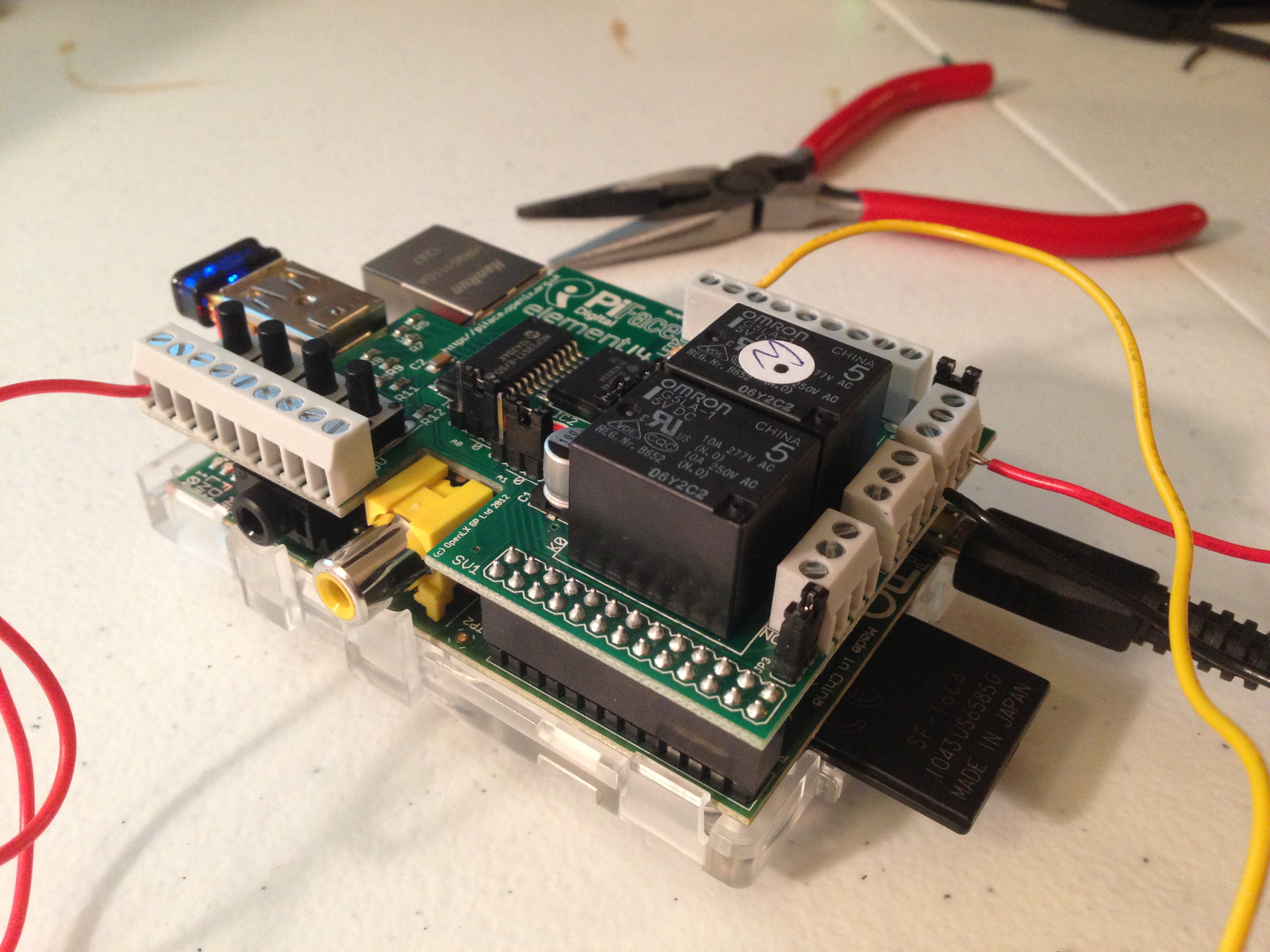


 Circle and Square